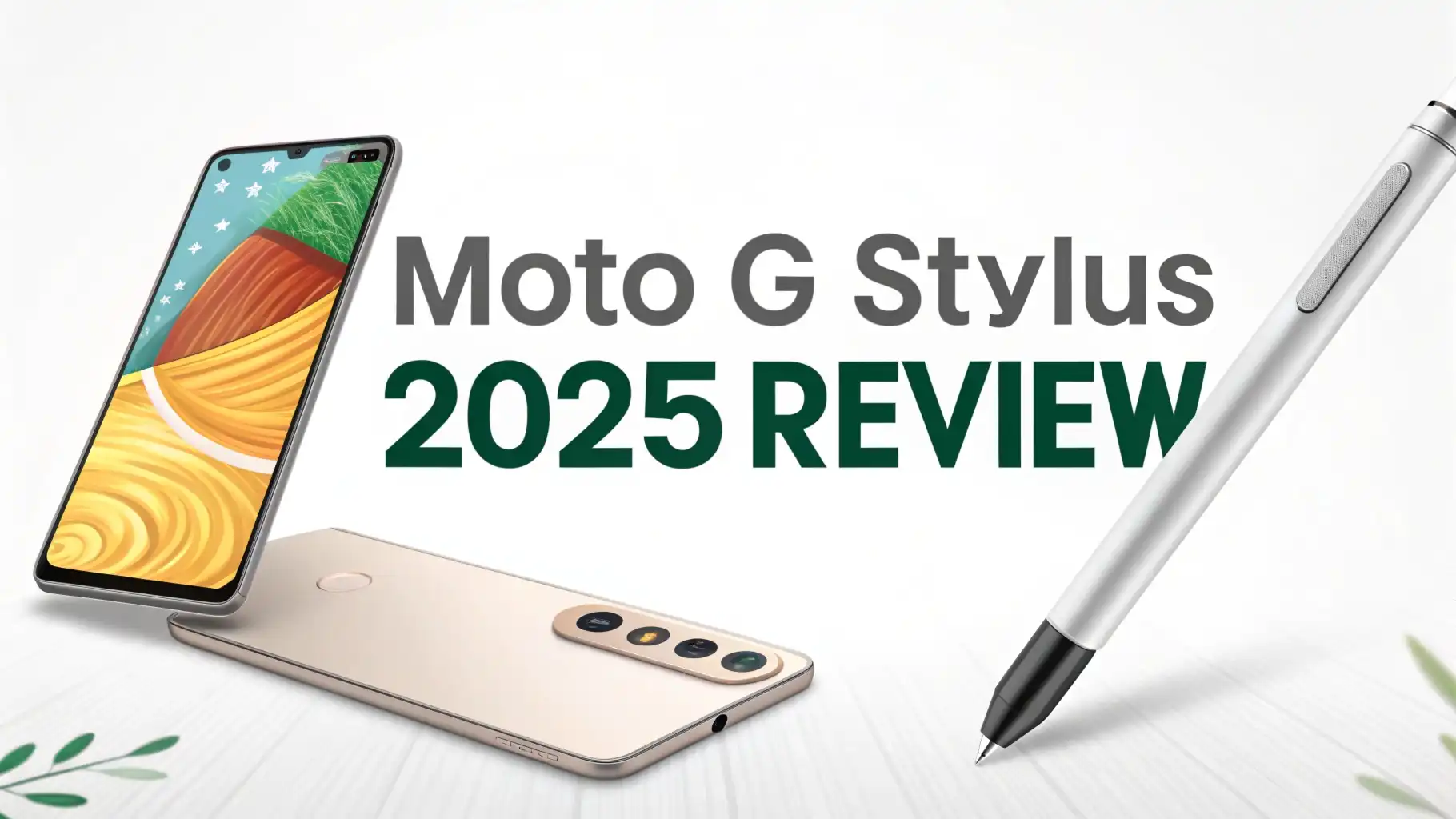
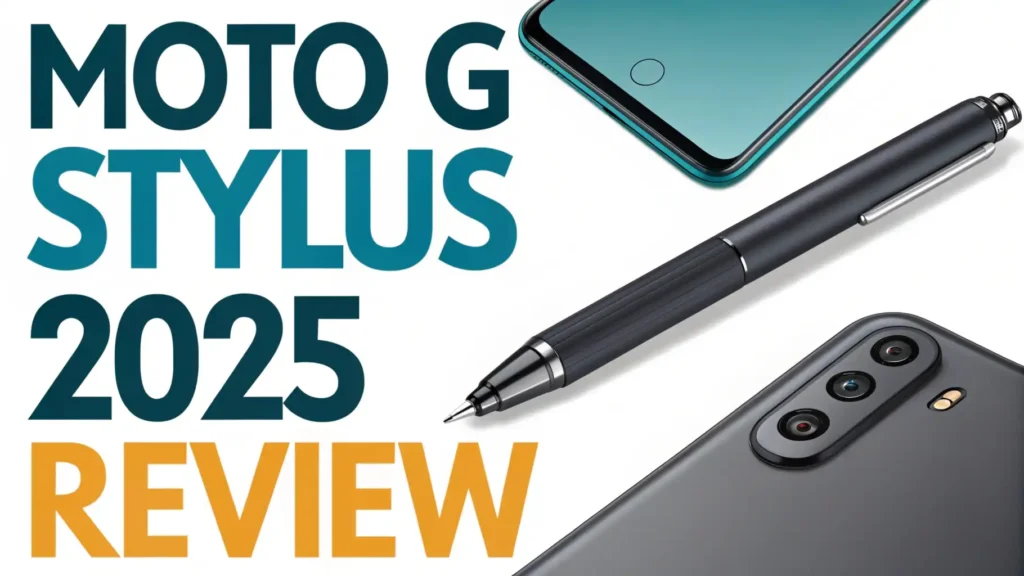
Moto G Stylus 2025 Review: Is It Worth the Money?
Picture this. You’re scrolling through endless phone options, and your wallet starts sweating. Then you spot something interesting.
A phone with a built-in stylus that doesn’t cost as much as your monthly rent. That’s the Moto G Stylus 2025 for you.
This phone landed in stores this year, and people are talking. Some love it. Some have questions. But everyone agrees on one thing: it’s different.
Key Takeaways:
- Built-in stylus makes this phone stand out from regular budget devices, perfect for note-taking and creative work
- Large 6.8-inch display gives you plenty of screen space for watching videos, gaming, and productivity tasks
- 50MP main camera delivers solid photos in good lighting conditions, though low-light performance needs improvement
- 5000mAh battery easily lasts a full day of heavy use, with some users reporting up to two days on moderate usage
- 128GB storage with expansion slot means you won’t run out of space for apps, photos, and videos anytime soon
- Price point under $300 makes it one of the best value phones for anyone who wants stylus functionality without premium pricing


Design and Build Quality: Holding the Moto G Stylus 2025
The first thing you notice is the size. This phone is big. It feels substantial in your hand. Not premium glass and metal substantial, but good plastic substantial.
The back has a matte finish that resists fingerprints pretty well. I dropped mine once (accidentally, of course), and it survived with just a small scuff. That’s impressive for a budget phone.
The stylus sits snugly in the bottom right corner. Pop it out with a gentle pull. It feels solid enough. Not Samsung S Pen solid, but definitely usable.
The weight distribution is good. You can write for extended periods without hand fatigue. The phone comes in two colors: black and a nice bluish-gray. Both look modern and clean.
The button placement makes sense. Power button on the right side. Volume rocker just above it. Everything falls right under your thumb. The headphone jack is still here, which is fantastic news for people who refuse to go fully wireless. The USB-C port charges the device and supports data transfer.
Display Experience: Big Screen Energy
That 6.8-inch LCD screen is the star of the show. Colors pop nicely. Brightness gets high enough for outdoor use. The 120Hz refresh rate makes scrolling feel smooth and responsive.
You’ll notice the difference immediately if you’re coming from a 60Hz display. Watching YouTube videos on this screen is genuinely enjoyable.
The resolution hits 1080p, which is perfect for this size. Text looks sharp. Images appear crisp. Gaming looks good too.
I played several rounds of mobile games, and the experience satisfied me completely. The screen-to-body ratio is impressive. Thin bezels surround the display. Only the chin at the bottom is slightly thicker.
One small complaint: the brightness sometimes struggles in direct sunlight. You’ll need to cup your hand over the screen occasionally. But for indoor use and normal outdoor conditions, it performs excellently. The touch sensitivity responds accurately. No ghost touches or missed taps during my testing period.
The Stylus: More Than Just a Gimmick
Here’s where things get interesting. The stylus actually works well. It’s pressure-sensitive. You can take notes quickly. Sketch ideas. Edit photos with precision. Sign documents. Circle important text in articles. The Moto Note app opens automatically when you pull out the stylus. It’s simple but functional.
The stylus has a clicky button on the side. Press it once for quick actions. Press and hold for screenshots. The tip is replaceable, though I haven’t needed to replace mine yet. Writing feels natural. There’s minimal lag between pen movement and screen response. It’s not iPad Pro level, but it’s genuinely useful for everyday tasks.
Creative folks will appreciate the drawing capabilities. The pressure sensitivity adds depth to sketches.
You won’t create professional artwork, but doodling and quick concept drawings work great. Students can take class notes directly on the phone. Business users can annotate PDFs during meetings. The practical applications are numerous.
Top 3 Alternatives for Moto G Stylus 2025


Performance: Handling Daily Tasks
The MediaTek Dimensity 7020 processor powers this device. It’s not a flagship chip. You won’t break any speed records. But for normal use, it works fine. Apps open quickly. Multitasking between several apps happens without major slowdowns. Social media scrolling is smooth. Email and messaging work flawlessly.
Gaming performance sits in the middle ground. Light games run perfectly. Medium-intensity games like PUBG Mobile or Call of Duty Mobile run on medium settings without significant frame drops.
Heavy games struggle a bit. You’ll need to lower graphics settings for optimal performance. The phone gets slightly warm during extended gaming sessions but never uncomfortably hot.
The 4GB of RAM feels adequate for most users. Power users might notice occasional app reloads. But casual users won’t hit the limitations often. Storage starts at 128GB. That’s plenty for most people. Add a microSD card if you need more space. The phone supports cards up to 1TB.
Camera System: Capturing Your Moments
The 50MP main camera produces decent photos in good lighting. Colors look accurate. Details come through nicely. The camera app is straightforward. Point and shoot mostly works. You get several modes: Night mode, Portrait mode, Pro mode, and more.
Daylight photos look great. You can share them directly to social media without editing. The dynamic range handles high-contrast scenes reasonably well. Portrait mode creates decent background blur. Edge detection sometimes struggles with hair and complex backgrounds.
Low-light photography reveals the phone’s budget nature. Photos get grainy. Details soften considerably. Night mode helps somewhat but can’t work miracles.
The 8MP ultrawide camera adds versatility for landscape shots and group photos. Quality drops noticeably compared to the main sensor. The 16MP front camera takes acceptable selfies. Good enough for video calls and social media posts.
Video recording maxes out at 1080p 60fps. Footage looks stable thanks to electronic stabilization. Audio quality in videos is clear. Overall, the camera system performs adequately for the price point. Don’t expect flagship-level photography, but you’ll get shareable results.
Battery Life: All Day and Then Some
That 5000mAh battery is a beast. Seriously. This phone lasts. Heavy users get through a full day easily. Moderate users can stretch it to two days. I tested it with constant use: streaming videos, playing games, taking photos, browsing social media. It still had juice left at bedtime.
Charging speed hits 15W. That’s not fast by modern standards. A full charge takes about two hours. Overnight charging works perfectly fine. During the day, you might need to plan charging breaks carefully. No wireless charging support, which is expected at this price.
The battery optimization settings help extend life further. You can enable battery saver mode or restrict background app activity. Standby drain is minimal. Leave the phone overnight, and you’ll lose only a few percentage points. For anyone tired of daily charging anxiety, this phone delivers peace of mind.
Software Experience: Clean Android with Moto Tweaks
The phone runs Android 14 out of the box. Motorola keeps the interface fairly clean. It looks close to stock Android with some useful additions. The Moto gestures are fantastic. Chop twice for flashlight. Twist for camera. Swipe down with three fingers for screenshots. These become second nature quickly.
Bloatware is minimal compared to some competitors. A few Motorola apps come pre-installed, but they’re actually useful. You can uninstall most third-party apps if you don’t want them. The software feels responsive. No significant bugs during my testing period.
Motorola promises two years of OS updates and three years of security patches. That’s acceptable but not industry-leading. Samsung and Google offer longer support periods.
The update schedule can be slow. Don’t expect immediate updates when new Android versions launch. But the phone will stay secure and functional for several years.
Audio Quality: Decent Speakers and Headphone Support
The stereo speakers deliver surprisingly good sound. They get loud enough for watching videos without headphones. Music playback sounds clear at moderate volumes. Bass is weak, which is typical for phone speakers. But overall audio quality exceeds expectations for a budget device.
That 3.5mm headphone jack is a blessing. Plug in your favorite wired headphones without adapters or dongles. Audio through headphones sounds clean. The built-in DAC does a decent job. Bluetooth connectivity is stable. I tested several wireless headphones and earbuds without connection drops.
Call quality on both ends is clear. The microphone picks up voices well. Background noise cancellation works adequately. Video calls through various apps performed without issues. People on the other end reported clear audio from my side.
Stylus Features and Software Integration
The stylus integration goes deeper than just note-taking. You can use it as a remote camera shutter. Stand across the room and press the stylus button to capture photos. The coloring book app provides relaxing entertainment. Kids especially love this feature.
Screen-off memos let you jot quick notes without unlocking the phone. Just pull out the stylus, write your note, and pop the stylus back in. The note saves automatically. You can access all your quick notes later in the Moto Note app. This feature proves incredibly useful for capturing fleeting thoughts and reminders.
The stylus also works with most third-party apps. Drawing apps, PDF editors, and note-taking apps all recognize the stylus input. Precision is good enough for detailed work. You won’t match dedicated graphics tablets, but for mobile work, it’s impressive. The stylus never needs charging, which is convenient. It’s always ready when you need it.
Connectivity and 5G Performance
The phone supports 5G connectivity on multiple bands. Download speeds are fast when you have 5G coverage. Uploads happen quickly too. In areas with only 4G LTE, performance remains solid. Call quality and data speeds meet expectations.
WiFi 6 support means faster home network speeds if you have a compatible router. Bluetooth 5.3 provides reliable wireless connections. GPS locks quickly and maintains accuracy during navigation. The phone includes NFC for contactless payments. Google Pay works flawlessly.
The dual SIM capability appeals to travelers and people juggling work and personal numbers. You can use two physical SIM cards or one physical SIM and one eSIM. Network switching happens seamlessly. Signal reception is strong. I didn’t experience unusual dropped calls or connectivity issues.
Value Proposition: Who Should Buy This Phone
This phone targets specific users. Students benefit enormously from the stylus for note-taking and studying. Creative individuals on a budget get a portable sketching tool.
Business users who need to sign documents and annotate files will find it practical. Anyone wanting a large screen without spending premium prices should consider it.
The Moto G Stylus 2025 sits in a unique market position. Few competitors offer stylus functionality at this price point. The overall package delivers solid value.
You sacrifice some camera quality and processing power. But you gain a genuinely useful stylus and excellent battery life. For many users, that trade-off makes perfect sense.
People who prioritize gaming performance or photography might look elsewhere. Flagship camera features and cutting-edge processors cost more money. But for everyday tasks, productivity work, and casual content consumption, this phone excels. The price-to-feature ratio is compelling.
Comparison with Previous Generation
The 2025 model improves over the 2024 version in several ways. The processor gets a modest upgrade, bringing better performance and efficiency.
The camera system receives enhanced software processing. Photos look sharper with better color accuracy. The display refresh rate jumps from 90Hz to 120Hz, making interactions noticeably smoother.
Battery capacity remains the same, but optimization improvements extend real-world usage time. The design gets a subtle refresh with slimmer bezels and updated color options.
Storage options now start at 128GB instead of 64GB, which is a welcome change. The stylus functionality remains largely similar, with slight improvements to latency and pressure sensitivity.
Overall, the upgrades are evolutionary rather than revolutionary. If you own the 2024 model, upgrading isn’t necessary. But if you’re coming from an older phone or buying your first stylus device, the 2025 version represents the best iteration yet.
Final Verdict: Should You Buy the Moto G Stylus 2025
After extensive testing, I can recommend this phone with confidence for the right user. The built-in stylus genuinely adds value. It’s not a gimmick. The large display, solid battery life, and clean software create a pleasant daily experience. Performance handles normal tasks smoothly.
The camera won’t win awards, but it captures acceptable photos for social media and memories. The design feels good despite being plastic. The price remains competitive, especially considering the unique stylus feature. Few alternatives match this combination of features at this price point.
If you value productivity features, enjoy taking handwritten notes, or need a large screen on a budget, buy this phone. You’ll appreciate the thoughtful features and reliable performance. It’s not perfect, but it delivers where it counts. The Moto G Stylus 2025 proves that budget phones can be both practical and interesting.
FAQs
Is the Moto G Stylus 2025 waterproof?
The phone has a water-repellent coating but not full waterproof certification. It can handle light splashes and brief exposure to rain. Don’t submerge it in water or use it in the shower. The coating protects against accidental spills and everyday moisture. For serious water protection, you’ll need a waterproof case.
How does the stylus compare to Samsung S Pen?
The Moto stylus works well for basic tasks but lacks some advanced features. It doesn’t have Bluetooth for remote control functions beyond camera shutter. Pressure sensitivity is present but less refined than the S Pen. Latency is slightly higher. However, for note-taking, sketching, and general stylus tasks, it performs admirably. The S Pen offers a premium experience, while the Moto stylus provides practical functionality at a fraction of the cost.
Can I use any stylus with this phone?
The phone works best with the included stylus, which integrates with Motorola’s software features. You can use generic capacitive styluses for basic touch input. However, you’ll lose pressure sensitivity and special features like screen-off memos. Third-party active styluses designed for Android might work with varying degrees of success. The included stylus remains the best option for full functionality.
Does the phone support wireless charging?
No, the Moto G Stylus 2025 does not support wireless charging. You’ll need to use the included USB-C cable and charger. Charging speed maxes out at 15W, which is relatively slow by modern standards. A full charge takes approximately two hours. The excellent battery life compensates somewhat for the slower charging speed. Most users find overnight charging perfectly adequate.
How long will the stylus tip last?
The stylus tip durability depends on usage frequency and writing pressure. Most users report the tip lasting six months to a year with regular use. Replacement tips are available online at reasonable prices. The tip shows wear gradually, so you’ll notice when replacement becomes necessary. Writing feel changes as the tip wears down. Keep a spare tip handy if you use the stylus extensively every day.
What’s the screen replacement cost if I break it?
Screen replacement costs vary depending on your location and repair service. Expect to pay between $100 and $150 for a quality replacement screen. Official Motorola service centers charge premium prices but guarantee authentic parts. Third-party repair shops often cost less but quality varies. A good protective case and screen protector prevent most damage. The large screen makes it somewhat vulnerable to drops, so protection is wise.