MacBook Air Review: The Ultimate Guide
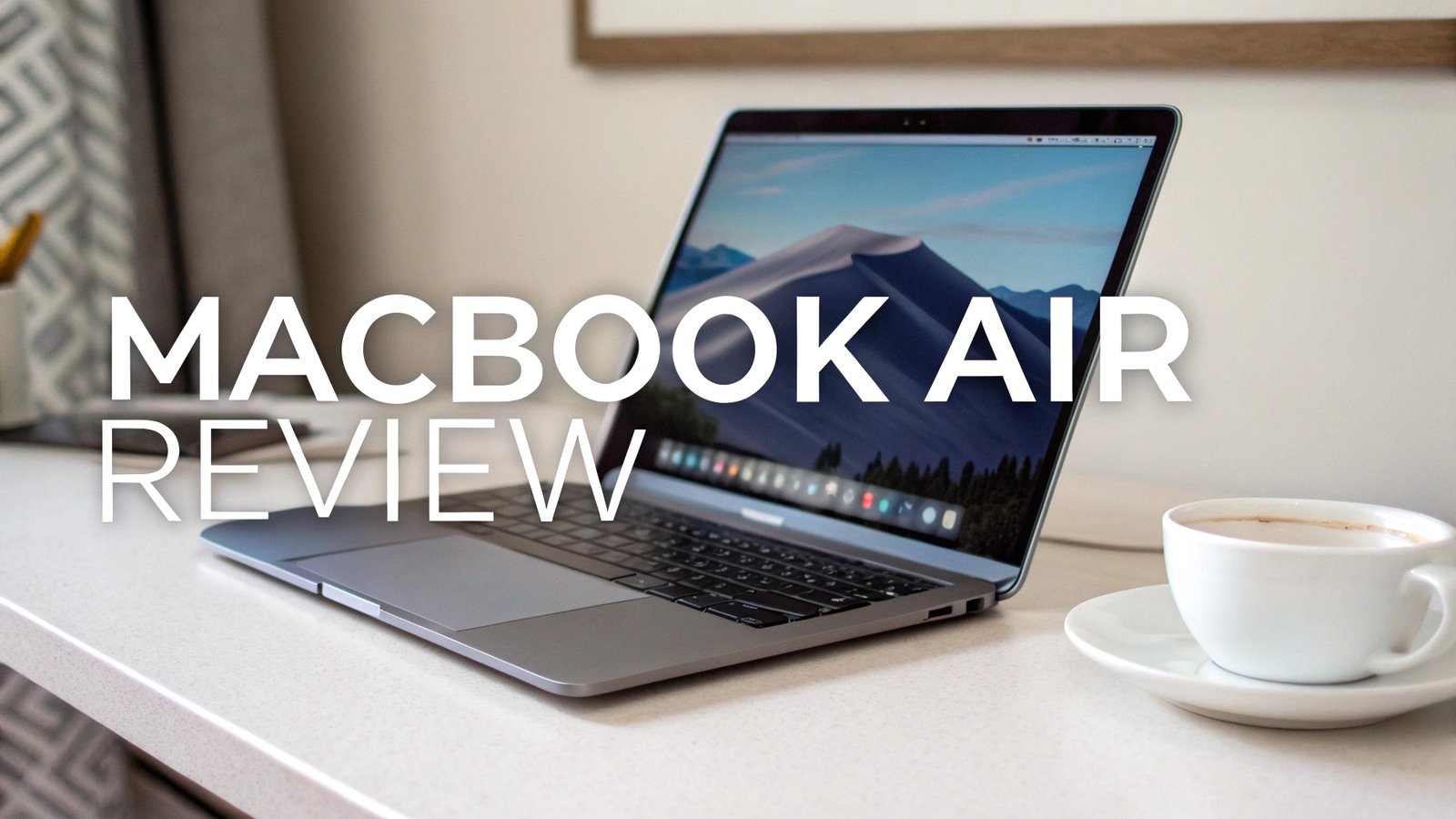
The MacBook Air continues to dominate the ultraportable laptop market with its latest M4 chip and improved features.
This comprehensive review explores the newest MacBook Air models and presents the best related products available on Amazon to enhance your Apple experience.
Key Takeaways
- Revolutionary M4 Performance: The 2026 MacBook Air delivers exceptional processing power with up to 18 hours of battery life, making it perfect for professionals and students alike
- Enhanced Memory and Storage: Base models now include 16GB of unified memory instead of 8GB, providing better multitasking capabilities for demanding applications
- New Sky Blue Color Option: Apple introduces a stunning new color variant alongside traditional Midnight, Starlight, and Silver finishes
- Competitive Starting Price: The 13-inch model starts at $799, offering excellent value compared to premium Windows alternatives like Dell XPS and Surface Laptop
- Superior Build Quality: The aluminum unibody construction remains industry-leading with fanless design ensuring silent operation
- Apple Intelligence Integration: Built-in AI features enhance productivity with smart writing tools, improved Siri functionality, and seamless ecosystem integration


Apple MacBook Air M4 13-inch 2026 Model
The 13-inch MacBook Air with M4 chip represents Apple’s most refined ultraportable laptop. The 10-core CPU combines 4 performance cores and 6 efficiency cores, delivering remarkable speed for everyday tasks and creative work. Users can expect smooth performance in applications like Final Cut Pro, Logic Pro, and Adobe Creative Suite.
The 13.6-inch Liquid Retina display offers vibrant colors and sharp text with 500 nits of brightness. The screen supports the P3 wide color gamut, making it excellent for photo editing and content creation. True Tone technology automatically adjusts white balance based on ambient lighting conditions.
Battery performance stands out with real-world usage reaching 15-18 hours for typical tasks. The efficient M4 chip architecture ensures minimal heat generation while maintaining peak performance. Users report excellent battery longevity even with intensive applications running throughout the day.
Apple MacBook Air M4 15-inch 2026 Model

The 15-inch MacBook Air provides extra screen real estate without sacrificing portability. The larger 15.3-inch display offers the same quality as its smaller sibling but with more workspace for multitasking. Creative professionals appreciate the additional room for timeline editing and design work.
Performance remains identical to the 13-inch model with the same M4 chip configuration. The larger chassis allows for improved thermal management during sustained workloads. Users working with 4K video editing or complex 3D modeling benefit from the enhanced cooling capabilities.
The six-speaker sound system delivers impressive audio quality with spatial audio support. Force Touch trackpad provides precise control with haptic feedback. The backlit Magic Keyboard offers comfortable typing experience with 1mm key travel and improved key stability.
Top 3 Alternatives for MacBook Air
Dell XPS 13 2026 with Snapdragon X Plus

Microsoft Surface Laptop 2024 Copilot+ PC

Apple MacBook Air M3 (Previous Generation)

Performance and M4 Chip Architecture
The M4 chip represents a significant leap in Apple Silicon technology. Built on second-generation 3nm process, it delivers up to 25% faster CPU performance compared to M3. The architecture includes hardware-accelerated ray tracing for improved graphics rendering in games and professional applications.
Neural Engine improvements enhance machine learning tasks and Apple Intelligence features. The 16-core Neural Engine processes up to 38 trillion operations per second, enabling real-time language translation and advanced photo processing. Users notice immediate improvements in Spotlight search and Siri responsiveness.
Memory bandwidth reaches 120GB/s with unified memory architecture. This design allows CPU and GPU to share the same memory pool efficiently, reducing latency and improving overall system responsiveness. Applications load faster and multitasking becomes seamless even with multiple demanding programs running simultaneously.
The 10-core GPU handles graphics-intensive tasks with ease. Gaming performance shows notable improvements with popular titles running smoothly at native resolution. Content creators working with motion graphics and 3D rendering experience faster export times and real-time preview capabilities.
Display Quality and Visual Experience
The Liquid Retina display technology provides exceptional visual quality across both screen sizes. 2560×1664 resolution on the 13-inch model and 2560×1664 on the 15-inch deliver sharp text and detailed images. Pixel density remains consistent at 224 pixels per inch for both models.
P3 wide color gamut support ensures accurate color reproduction for professional work. Photographers and designers appreciate the display’s ability to show subtle color variations and gradients. The screen covers 100% of the sRGB color space and approximately 76% of Adobe RGB.
Brightness levels reach 500 nits consistently across the entire panel. Outdoor visibility remains excellent even in direct sunlight. The anti-reflective coating reduces glare while maintaining color accuracy and contrast ratios.
True Tone technology automatically adjusts color temperature based on ambient lighting. This feature reduces eye strain during extended use and provides more natural viewing experience. Users can disable True Tone for color-critical work requiring consistent white balance.
Essential MacBook Air USB-C Hub

Modern MacBook Air models feature two Thunderbolt/USB 4 ports and a 3.5mm headphone jack. Many users require additional connectivity options for external displays, storage devices, and legacy peripherals. A quality USB-C hub expands functionality significantly.
The Hiearcool 7-in-1 USB-C hub provides 4K HDMI output, three USB 3.0 ports, SD/microSD card readers, and 100W Power Delivery pass-through charging. The aluminum construction matches MacBook Air aesthetics while providing excellent heat dissipation.
Plug-and-play compatibility ensures seamless operation without driver installation. The hub supports dual monitor setups when combined with MacBook Air’s dual display capability. Content creators benefit from direct SD card access for camera imports and external storage connectivity.
Premium Protection with Laptop Sleeve

Protecting your MacBook Air investment requires quality carrying solutions. The tomtoc 360° Protective Laptop Sleeve offers military-grade protection with corner armor and edge protection. The water-resistant exterior protects against spills and light rain.
Interior padding uses high-density foam and soft lining to prevent scratches during transport. The sleeve accommodates both 13-inch and 15-inch MacBook Air models with precise fit. Additional pocket stores power adapter and cables securely.
YKK zippers provide smooth operation and long-term durability. The slim profile adds minimal bulk while offering maximum protection. Business professionals appreciate the professional appearance suitable for client meetings and travel.
Battery Life and Power Management
Apple claims up to 18 hours of video playback for both MacBook Air models. Real-world testing shows impressive results with mixed usage patterns. Web browsing, document editing, and light photo editing typically provide 12-15 hours of continuous use.
Low Power Mode extends battery life further by reducing system performance slightly. Users can achieve additional 2-3 hours of usage when needed. The mode automatically activates at 10% battery level but can be enabled manually for maximum endurance.
Charging uses 35W compact power adapter for 13-inch model and 35W for 15-inch model. Fast charging capability provides 50% charge in approximately 45 minutes. The MagSafe 3 connector offers secure attachment with magnetic alignment.
Battery health management optimizes charging patterns to reduce chemical aging. The system learns usage patterns and delays charging to 100% when appropriate. Users can monitor battery condition through System Preferences for long-term health tracking.
Keyboard and Trackpad Experience
The Magic Keyboard features improved scissor mechanism with 1mm key travel. Keys provide satisfying tactile feedback without the reliability issues of previous butterfly keyboards. Backlit keys offer even illumination with automatic brightness adjustment.
Touch ID integrates seamlessly into the power button for secure authentication. Users can unlock the laptop, authorize purchases, and access password-protected applications with fingerprint recognition. Multiple fingerprints can be registered for shared usage scenarios.
The Force Touch trackpad covers a large surface area with precise multi-touch gestures. Haptic feedback simulates physical clicks at any location on the trackpad surface. Pressure sensitivity enables additional functionality in compatible applications.
Three-finger gestures enhance productivity with quick switching between applications and spaces. Users can customize gesture behavior through System Preferences for personalized workflow optimization. The large trackpad surface accommodates various hand sizes comfortably.
Audio and Microphone Quality
The four-speaker sound system with spatial audio delivers impressive audio quality for a thin laptop. Speakers provide clear vocals and reasonable bass response for multimedia consumption. Dolby Atmos support enhances movie and music playback with immersive soundstage.
Three-microphone array ensures clear voice capture for video calls and recordings. Advanced beamforming technology focuses on the user’s voice while reducing background noise. Professional users report excellent call quality even in noisy environments.
Studio-quality microphones support podcast recording and voice-over work. The built-in audio processing reduces the need for external microphone equipment for many content creators. Voice memos and dictation accuracy show significant improvements over previous generations.
Connectivity and Port Selection
Two Thunderbolt/USB 4 ports provide versatile connectivity options. Each port supports up to 40Gbps data transfer speeds and can power external displays up to 6K resolution. Users can daisy-chain multiple devices through a single port when needed.
MagSafe 3 charging frees up both Thunderbolt ports for accessories while providing secure power connection. The magnetic attachment prevents accidental disconnection and potential damage from cable pulls. LED indicator shows charging status at a glance.
The 3.5mm headphone jack supports high-impedance headphones with built-in headphone amplifier. Audiophiles appreciate the clean output with low noise floor. The jack also functions as digital optical output for compatible audio equipment.
Wi-Fi 6E support provides faster wireless connectivity and reduced latency in congested environments. Bluetooth 5.3 offers improved range and battery efficiency for wireless accessories. The combination ensures reliable connectivity for modern workflows.
Storage and Memory Configuration
Base models include 256GB SSD storage with option to upgrade to 512GB, 1TB, or 2TB. The unified storage architecture integrates seamlessly with memory for optimal performance. Sequential read speeds exceed 2000 MB/s for fast application loading and file transfers.
16GB unified memory comes standard, doubling the previous generation’s base configuration. This improvement significantly enhances multitasking capabilities and future-proofs the laptop for demanding applications. Power users can upgrade to 24GB for intensive workflows.
The unified memory architecture allows CPU and GPU to share the same memory pool efficiently. This design reduces latency and improves performance compared to traditional discrete memory systems. Applications benefit from larger available memory for caching and processing.
SSD storage encryption provides security for sensitive data with hardware-level encryption. FileVault integration ensures complete disk encryption without performance penalties. The T2 security chip handles encryption processing independently from the main processor.
Gaming and Graphics Performance
The 10-core GPU in M4 chip delivers impressive graphics performance for integrated graphics. Popular games like Baldur’s Gate 3 and Resident Evil Village run smoothly at medium to high settings. The hardware-accelerated ray tracing adds visual fidelity to supported titles.
Metal 3 graphics API optimizes performance for Mac-native games and applications. Developers can leverage advanced features like MetalFX upscaling for improved frame rates. The unified memory architecture provides graphics processing with high-bandwidth access to system memory.
External GPU support through Thunderbolt enables desktop-class graphics performance for demanding applications. Professional users can connect eGPU enclosures for 3D rendering, video editing, and gaming. The setup provides flexibility for different performance requirements.
Gaming library continues expanding with more developers targeting Apple Silicon. Game Porting Toolkit simplifies bringing Windows games to Mac platform. Users can expect broader game selection and better optimization in coming years.
macOS Sonoma and Software Experience
macOS Sonoma introduces interactive widgets, improved web apps, and enhanced video conferencing features. The operating system takes full advantage of M4 chip capabilities with optimized system processes and applications. Users experience snappy performance and smooth animations throughout the interface.
Universal apps run natively on Apple Silicon without emulation overhead. The vast majority of popular applications now offer native Apple Silicon versions. Legacy Intel applications run through Rosetta 2 translation with minimal performance impact.
Continuity features seamlessly integrate MacBook Air with iPhone and iPad workflows. AirDrop, Handoff, and Universal Clipboard enhance productivity across Apple devices. Users can start tasks on one device and continue on another without interruption.
System security benefits from hardware-level protections built into Apple Silicon. Secure Boot ensures only trusted software loads during startup. The integrated security features provide enterprise-level protection without third-party software requirements.
Frequently Asked Questions
Is the MacBook Air M4 worth upgrading from M2 or M3?
The M4 upgrade offers significant performance improvements, especially for creative professionals and power users. The doubled base memory (16GB vs 8GB) alone justifies the upgrade for many users. Battery life improvements and new features make it worthwhile for those using intensive applications daily.
How does battery life compare between 13-inch and 15-inch models?
Both models achieve similar battery life despite the larger screen on 15-inch version. The efficient M4 chip and optimized power management maintain 15-18 hours of typical usage. Heavy workloads may show slight differences, but day-to-day performance remains comparable.
Can the MacBook Air M4 handle video editing and creative work?
Yes, the M4 chip handles 4K video editing smoothly in Final Cut Pro and Adobe Premiere Pro. The unified memory architecture provides excellent performance for creative applications. Professional users should consider higher memory configurations for complex projects.
What accessories are essential for MacBook Air users?
A quality USB-C hub expands connectivity options significantly. Protective sleeve or case protects the investment during travel. External storage provides additional space for large files. Consider wireless mouse and external display for desktop replacement setup.
How does the MacBook Air compare to MacBook Pro?
MacBook Air offers excellent performance for most users with fanless design and longer battery life. MacBook Pro provides additional performance headroom, more ports, and active cooling for sustained workloads. Choose Air for portability and Pro for maximum performance.
Is 256GB storage sufficient for most users?
Base 256GB storage works for users primarily using cloud storage and web applications. Content creators, developers, and users with large local file collections benefit from 512GB or higher configurations. Consider usage patterns and budget when selecting storage capacity.